
🎉 Exciting News!
NB Auto Pte Ltd is now an Official ESSO Fleet Card Reseller!
We are proud to partner with ESSO to bring you greater fuel savings and convenience. Enjoy up to *29% fuel savings with the ESSO Fleet Card at Esso stations across Singapore.
Whether you drive a personal vehicle or manage a fleet, NB Auto is here to help you save more on fuel.
Get your ESSO Fleet Card today and start saving with NB Auto!
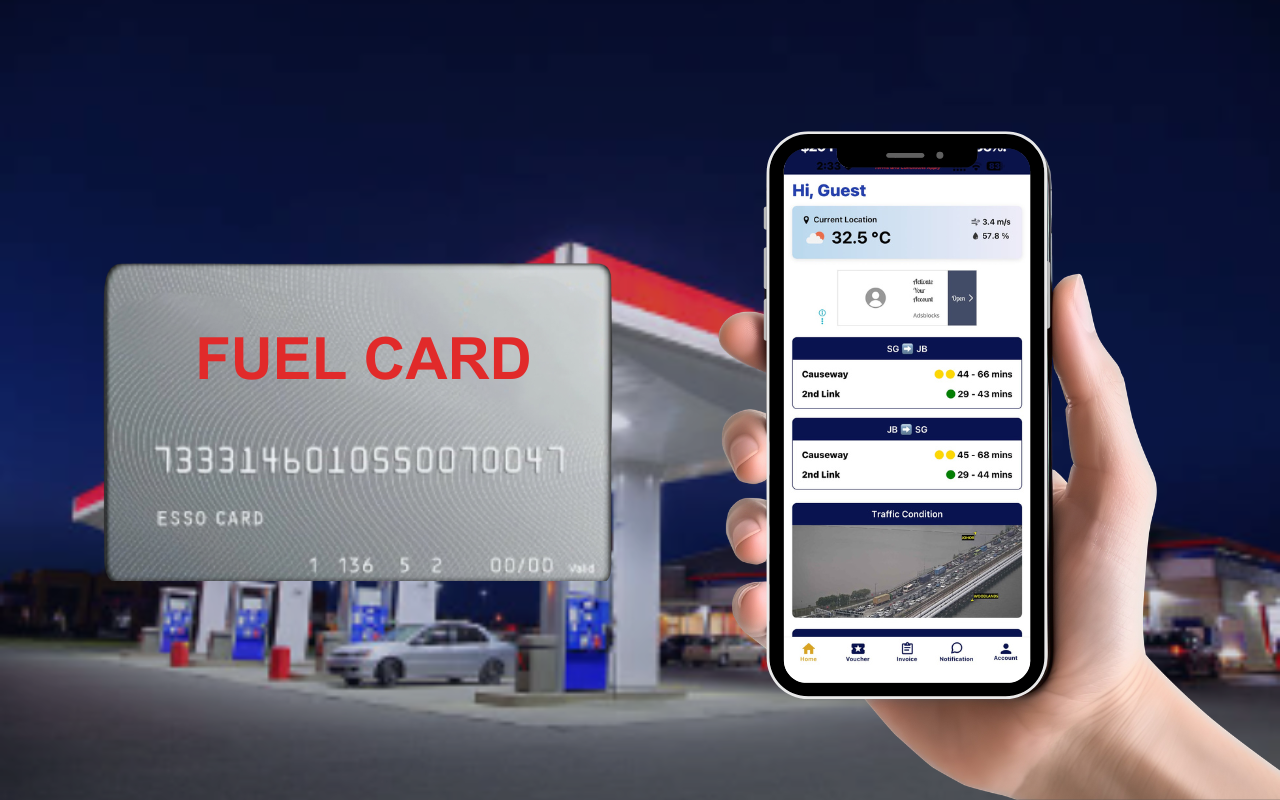






Insert your Fuel Card into the card slot at the pump island > Enter your 4-digit PIN > Follow onscreen instruction > Fill up > Press for receipt.
**Receipt will only show gross prices, discounts will be reflected in the monthly usage statement and account deduction.
You can choose your desired credit limit during registration by topping up the corresponding amount. Your total top-up amount will determine your available credit limit.
To increase your credit limit, simply top up additional funds.
The card is totally free of charge.
The physical card will be valid for 4 years from the date of the card printed. However, a replacement card will be issued to you upon expiry of the card.
The card will not allow the transaction to go beyond the credit limit.
No, all fuel types can be pumped
The prepayment amount can be used as credits to offset your fuel transaction monthly.
You may call us at +65 6259 7993 or email us at nb_enquiry@nhlgroup.com.sg
You may retrieve your monthly usage report via Speedy® App.
You can go to Speedy® App > Fuel Card > Right Top click Statement
The price printed on the Esso kiosk receipt refers to the full pump price before discount.
You will receive your monthly usage statement through Speedy® App.
Payment will be automatically deducted from your account credits
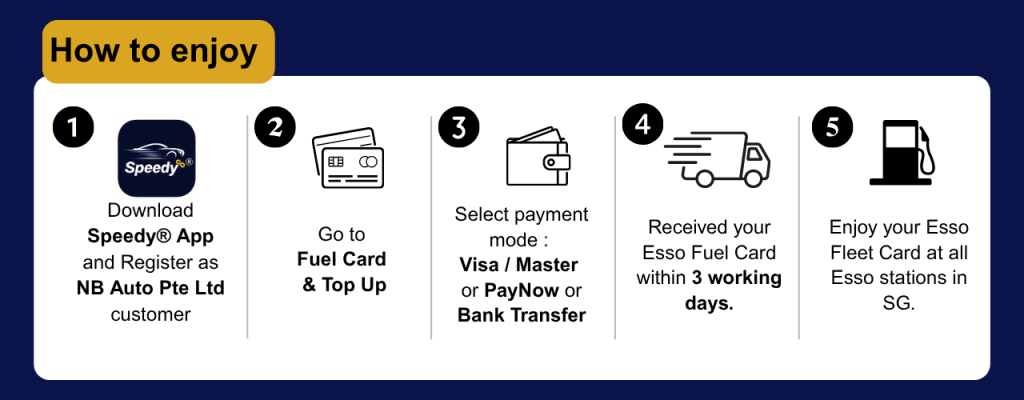
You can make a top up by going to the Speedy® App under “Fuel Card” -> “Top Up”
Do take note that split payment is not allowed.
We only accept Paynow/ Credit cards. Payment must be made via Speedy® App integrated payment gateway.
Please contact us at +65 6259 7993.
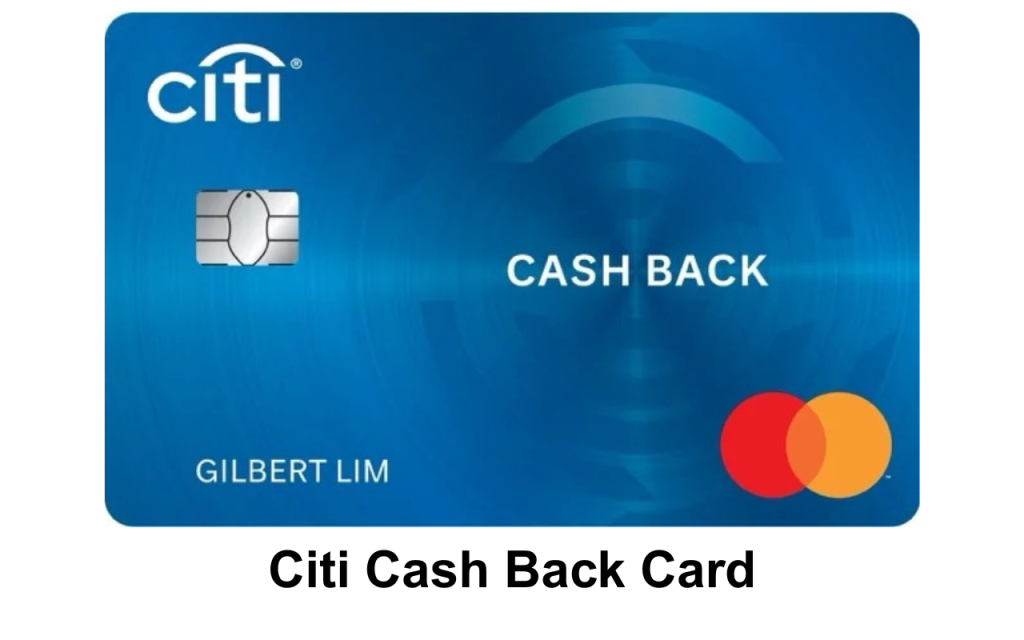
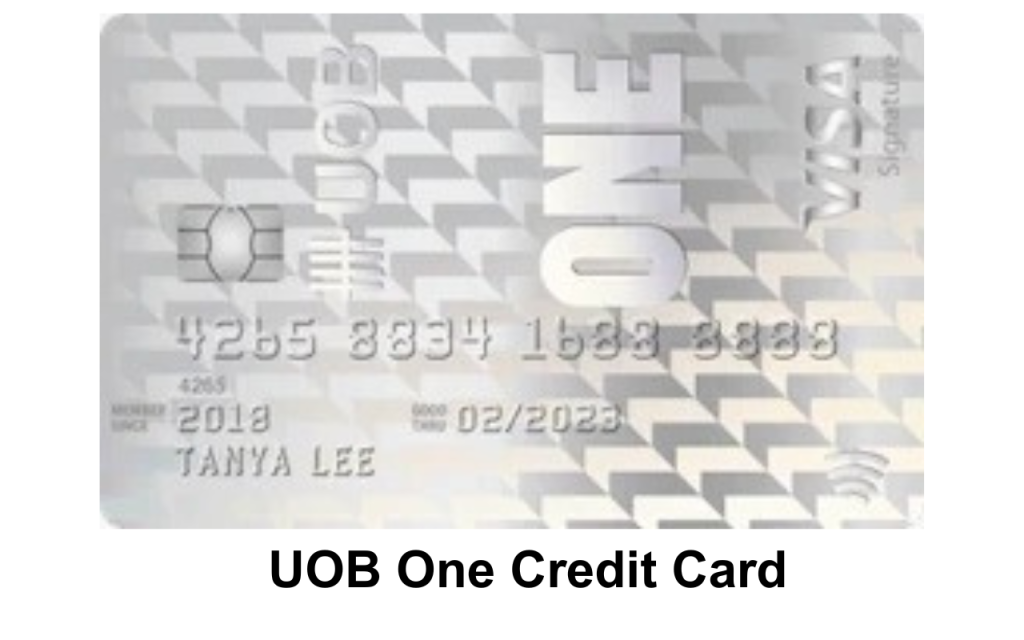
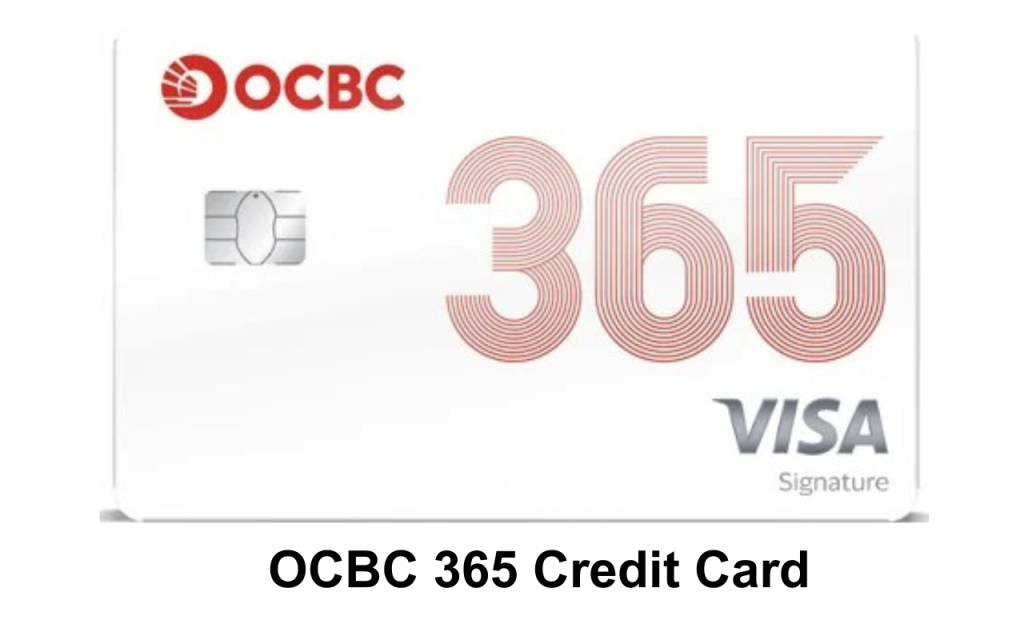
Please ensure that you have used our suggested credit card for maximum cashback as advertised.
The cashback rate varies depending on the card Issuer Terms and Conditions.
2.5% admin fee is applicable for all credit card payment mode.
The available balance will be displayed on the kiosk screen whenever you finished your fuel transactions and Speedy® App under “Fuel Card.